Customer Portal Guide
1
Step one: Create New Account
Make sure you accept all required policies. We also highly recommend subscribing to emails to stay up to date with Learn to Swim news, changes, and registration information.
2
Step two: Add Swimmers to Account
We teach swimmers of all ages. If you are the swimmer, please add yourself under that section.
3
Step three: Add Payment Information
This will help speed up the secure online checkout process.
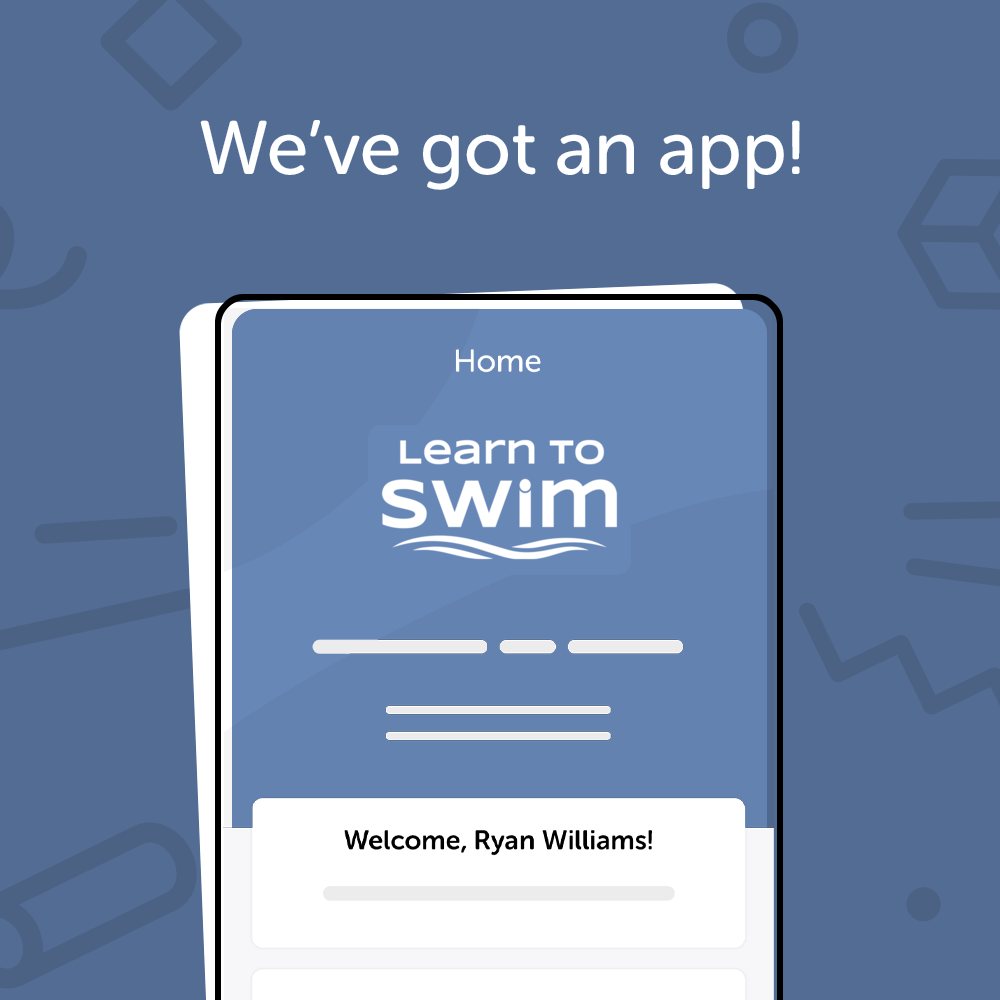
Download Our App
We are happy to announce that we now have a mobile application that makes it easier than ever for you to enroll, check your student's attendance, book parties and more — all on the go!
Enable push notifications and never miss an announcement from us again! We are excited to share our new app with you and hope that you enjoy staying connected on the go.
How to Book Class Lessons
STEP 1: CLICK BOOKING
STEP 2: SELECT SWIMMER
Even if you are enrolling multiple swimmers, you must only select one swimmer at a time. Select See Classes.
STEP 3: SELECT YOUR FILTER
You can filter by program, day, instructor, or openings.
Note: The more filters selected limits the fewer options.
STEP 4: CHOOSE A CLASS
Once you find a class that works for you, click on it and select Enroll Now!
Then click
Add to Cart. Once this is added to your cart, you have 10 minutes to complete payment.
Note: If you are unable to add that class to your cart, this could be due to your swimmer's age.
STEP 5: PAY NOW
Once you have enrolled your swimmer(s), click on Pay Now to proceed.
After you complete the payment, please check your email. You should receive an email with all your enrolment information. If you don’t see it, be sure to check your junk mail.